OptiPath: The Ultimate Ping Optimizer & Game Booster for Android
Reduce ping and eliminate latency spikes in PUBG Mobile, Free Fire, and CODM. OptiPath is an OS-level local network optimizer utilizing Split Tunneling and Token Bucket QoS — all without root access.

Looking for older releases? Visit GitHub Releases.
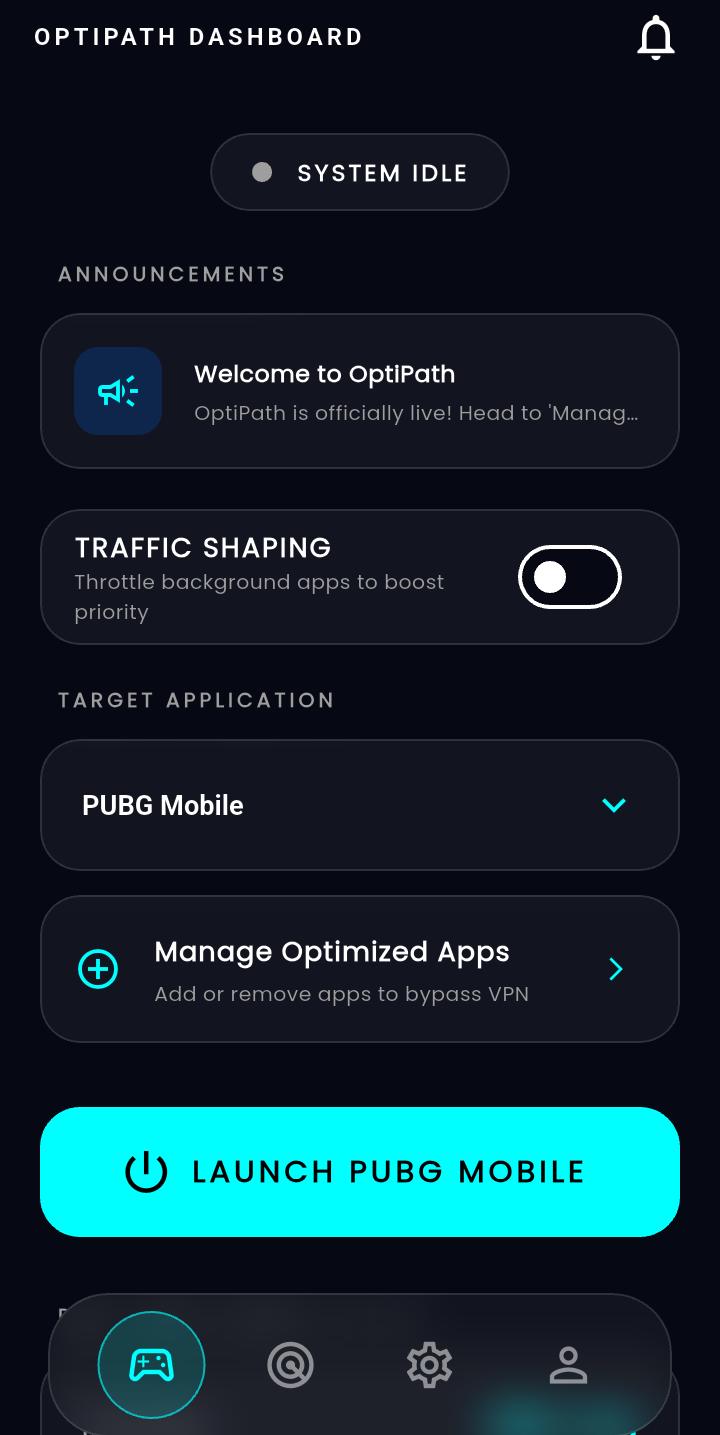
Engineered for Zero Ping & Peak Performance
The v1.1.1 stable release introduces an all-new Game Booster engine, zero-allocation native packet parsing, intelligent tab lifecycles, and direct GitHub OTA updates.
Game Booster & Real-Time RAM Telemetry
A dedicated Gaming Hub that synchronizes hardware-level RAM optimization directly with low-latency VPN QoS routing.
- Real-time kernel memory analytics: Live total, available, and percentage RAM usage.
- Smart Process Killer: Safely reclaims memory without disrupting Android OS, keyboards, or home launchers.
- One-Tap Memory Trim: Instant feedback on megabytes (MB) freed and background tasks stopped.
- Auto QoS Gaming Mode: Elevates your active game traffic to VIP priority upon boost.
Zero-Allocation VPN Engine (Native Kotlin)
High-efficiency bitwise arithmetic in PacketUtils.kt eliminates per-packet string allocations and GC micro-stutters during intense firefights.
- Bitwise IPv4 packet header parsing with zero runtime memory allocations.
- UDP buffer re-use via in-place memory slicing without payload copying.
- Eliminated TCP ConnectionKey allocation churn per incoming packet.
- Reinforced local proxy loopback (port 4242) and VpnService thread safety.
Intelligent Lifecycle & Smart Ping Throttling
Telemetry runs only when you are watching it. Automatically saves CPU, battery, and background bandwidth.
- Keep-Alive Tab State: Dashboard, DNS lists, loaded games, and profiles persist without reload resets.
- Dynamic Ping Throttling: Real-time dart_ping stream halts when switching tabs or minimizing the app.
- RepaintBoundary Latency Chart: Eliminates full-screen rebuilds at 1Hz, locking a smooth 60 FPS UI.
- Automated DB Pruning: Automatically removes synced sessions older than 30 days to keep SQLite light.
Instant OTA Updates & Sub-Second Cold Start
Get new game configurations and release builds with zero friction, paired with over 50% faster startup.
- Parallel Cold Start: Firebase, SQLite, and Notification services load concurrently in main.dart.
- Firebase OTA Verification: Checks for new versions on launch with direct one-tap GitHub downloads.
- Manual Check Button: Instant check for updates inside the Settings & About screen.
- ProGuard & Code Shrinking: Optimized release build rules for maximum stability on Android 8.0+.
Ready to experience low jitter and optimized RAM?
Direct download now available. Older releases remain permanently accessible on GitHub.
How Local Traffic Shaping Replaces Gaming VPNs
OptiPath uses a split-tunnel VPN architecture to separate game traffic from background noise — all on your device, with zero external servers.
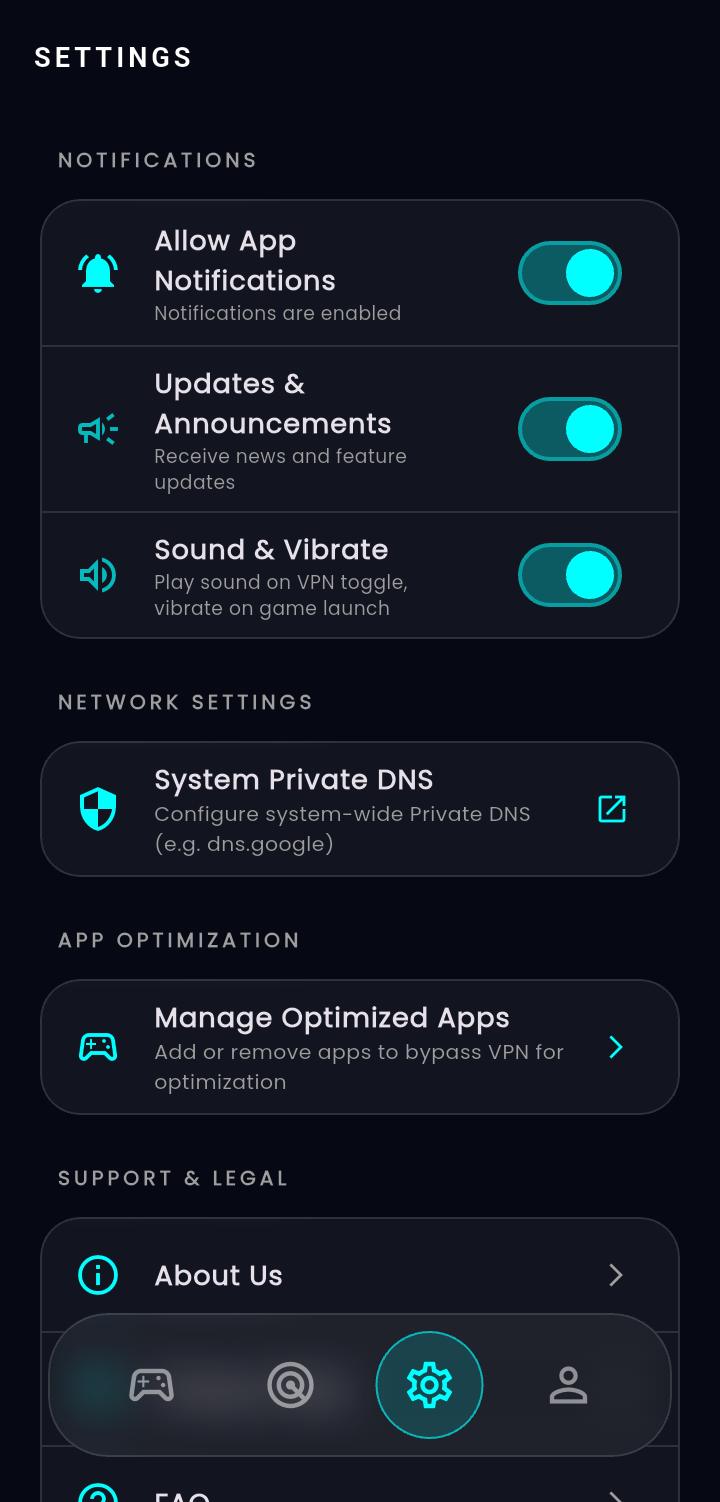
Manage Apps & Private DNS
Select targeted games for direct VIP bypass using Android's native addDisallowedApplication(), and toggle system-level encrypted private DNS for lowest server resolution ping.
How Packets Flow
Game traffic → Physical Wi-Fi/5G Radio → Server
Background → tun0 Virtual Interface → Token Bucket QoS → Delayed
Token Bucket QoS
A custom Global Token Bucket algorithm forces all non-gaming background traffic (updates, cloud backups, syncs) into the local tun0 interface. These packets are intentionally delayed, keeping the hardware queue empty for your game.
Fix Lag in PUBG Mobile & Free Fire
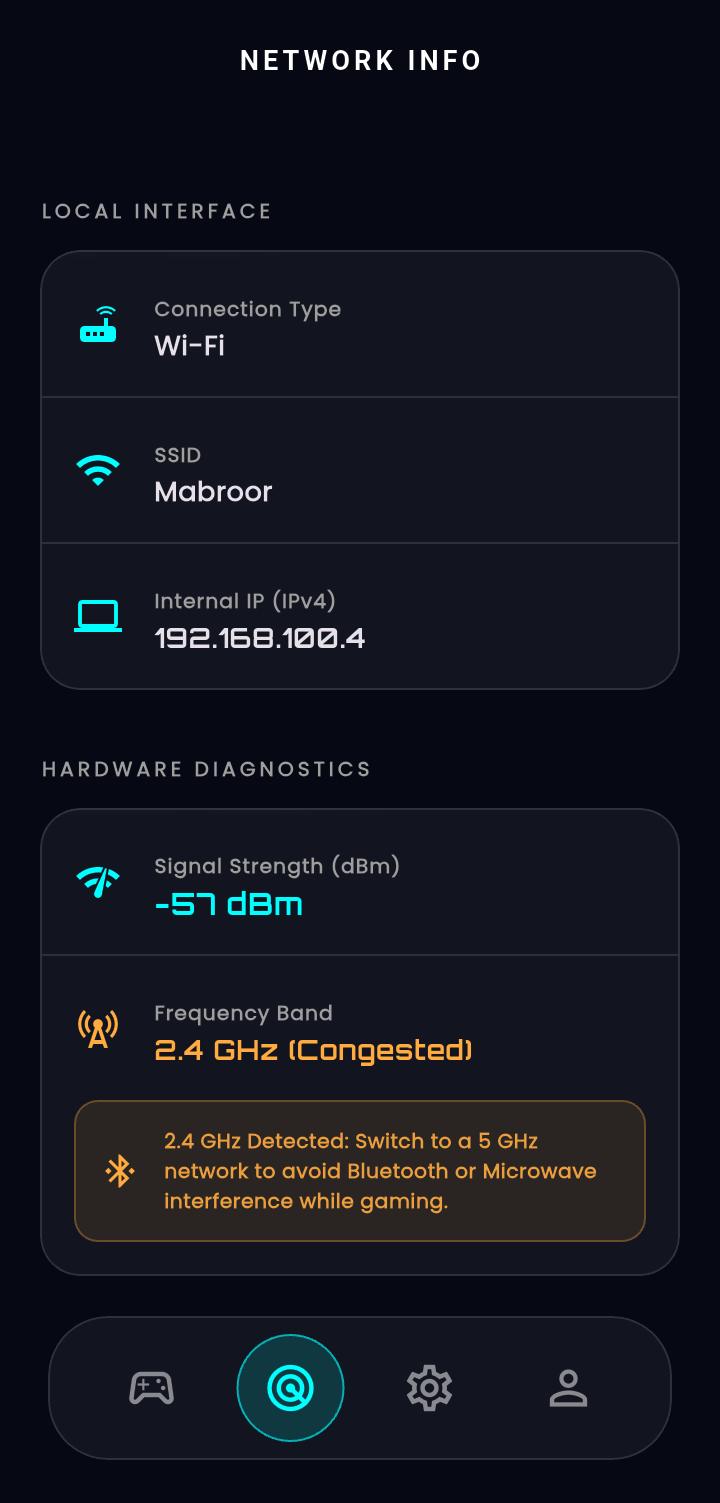
Real-time diagnostics and network intelligence. Track internal IP, signal strength, and auto-detect 2.4GHz congestion to maintain lowest ping.
2.4GHz Congestion Detected
Switch to 5GHz for optimal gaming performance. OptiPath detected interference from 12 neighboring networks on the 2.4GHz band.
Offline-First Analytics
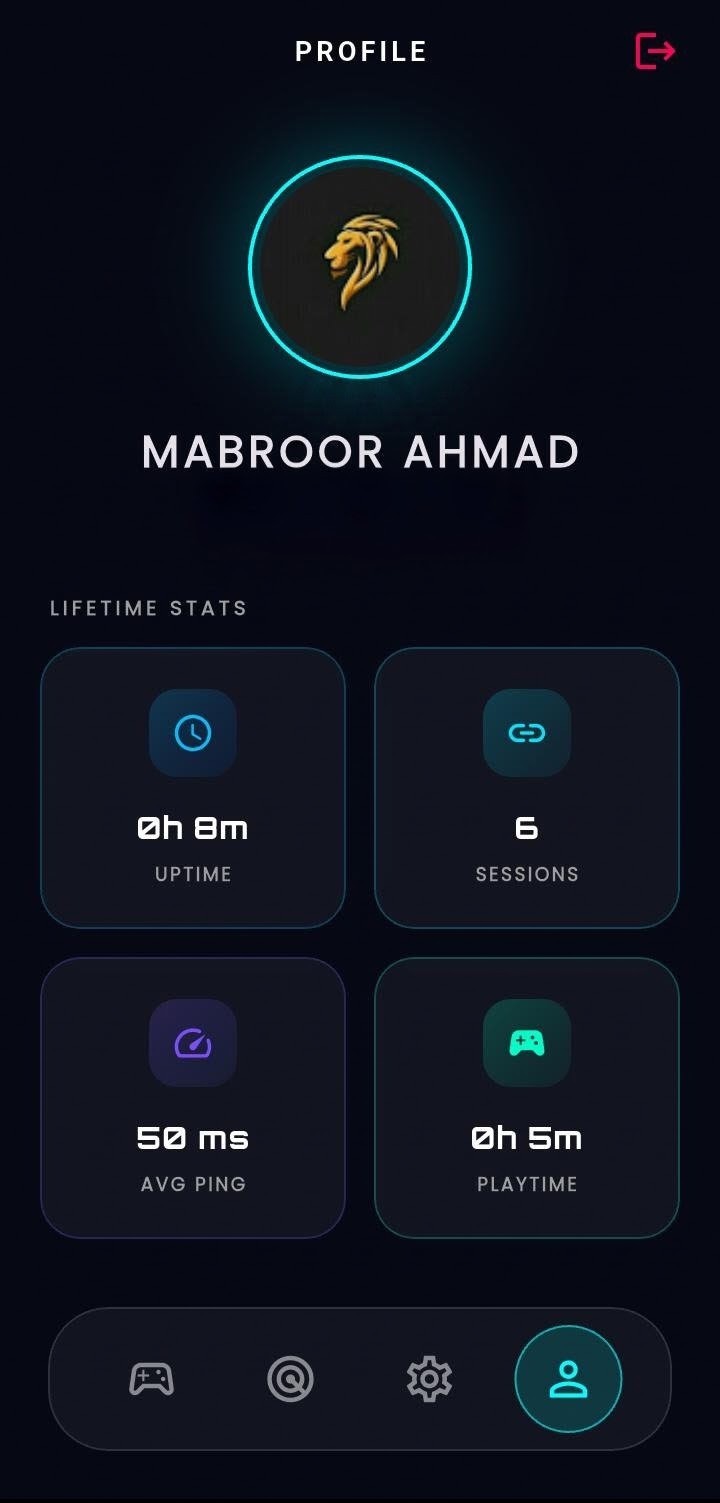
Session stats, ping tracking, and playtime stored locally in SQLite and synced securely to Firebase Firestore when your network stabilizes.
Ping Stability Comparison
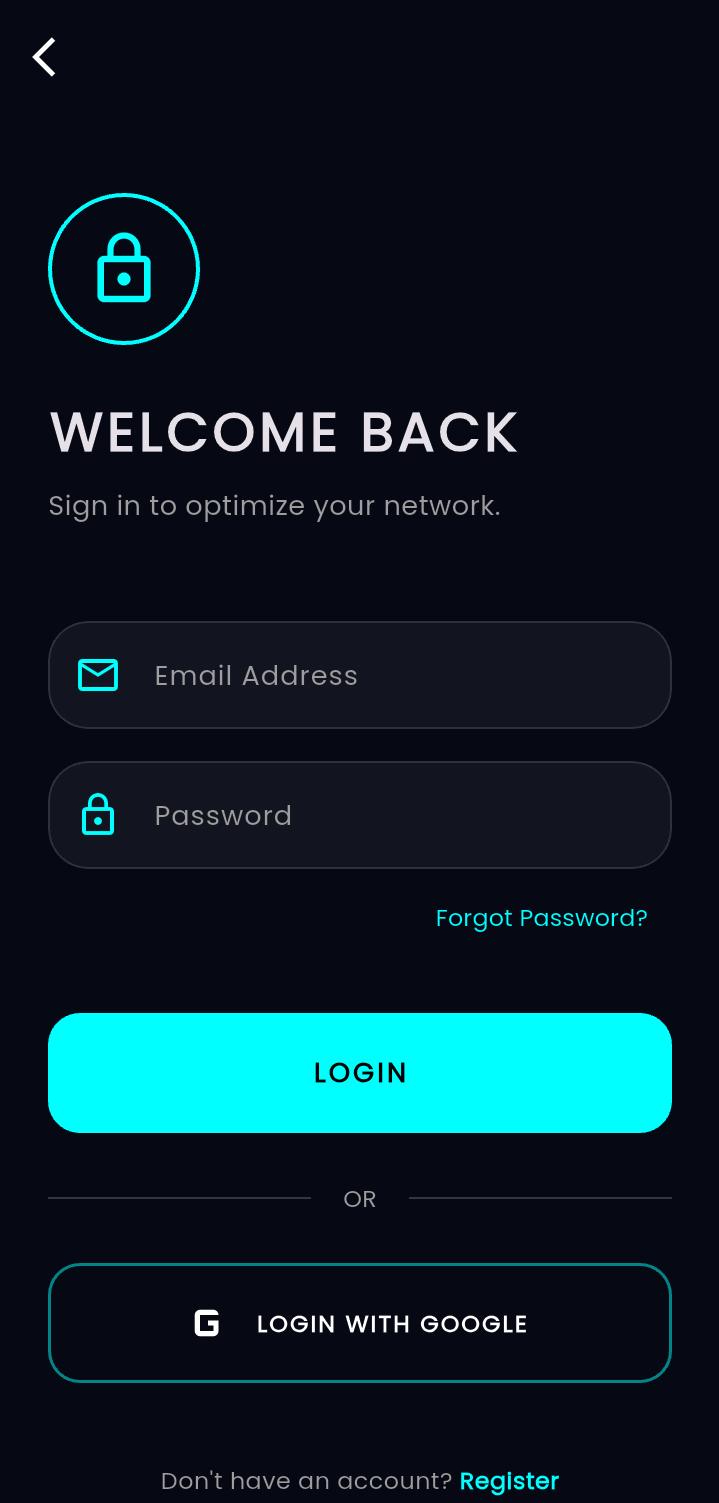
Firebase Auth & Cloud Sync
One-tap authentication to sync your VIP game lists and latency analytics across devices, with instant cloud rules and CMS updates.
Secure Gamer Profile
Powered by Firebase Authentication
Sign in seamlessly to preserve your custom app bypass lists, private DNS profiles, and historical telemetry stats when switching devices or reinstalling.
v1.1.1 Stable Released — Game Booster & Kernel RAM Analytics
STABLELatest Release
Zero-Allocation Native Kotlin VPN Engine & Smart Tab Lifecycle
PERFORMANCEv1.1.1 Update
In-App OTA Updates & Direct GitHub Release Sync Active
CLOUD OTAAuto-Sync
Frequently Asked Questions
Everything you need to know about how OptiPath works and why it's different from traditional VPNs.